
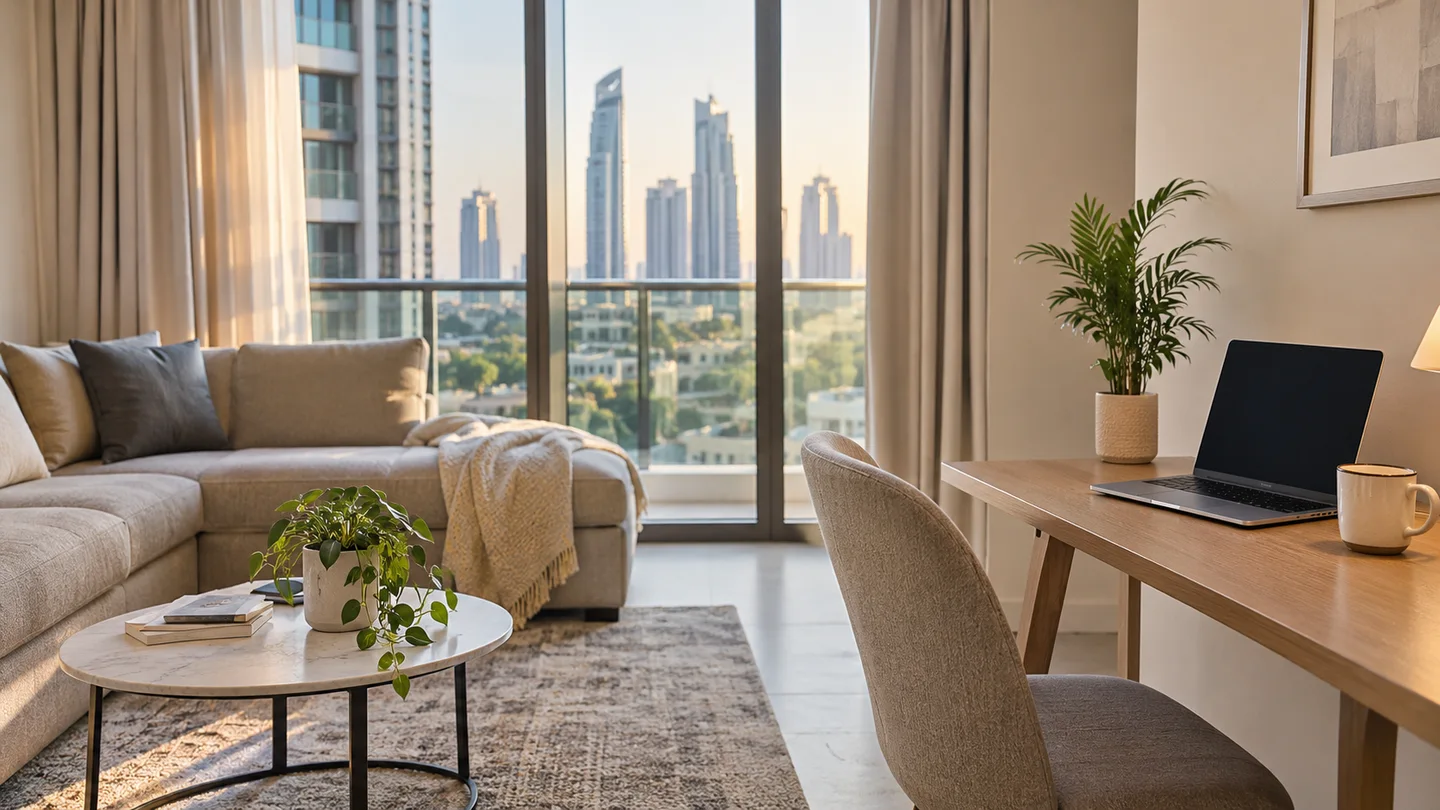
If you are planning to book a holiday apartment in Dubai with the intention of working remotely during your stay, your decision should go beyond the appearance of the unit. Take a closer look at the usable workspace, lighting, power outlets and internet evidence for the exact apartment you would book.
In this guide, we will help you understand what to verify before booking, especially when you cannot visit in person. For broader selection, compare the apartment’s layout and included facilities . A Wi-Fi icon or attractive photograph alone does not establish that a unit will meet your work needs.

Define Your Remote Work Requirements Before Booking
Understanding the nature of your work will help you compare the evidence against your own requirements. Before making your selection, consider:
- When will you work, in Dubai local time, and for how many hours?
- Will anyone else need simultaneous calls or internet access? Do calls require a separate room?
- What surface space, chair, lighting and sockets do your devices need?
Use these answers to shortlist units rather than assume every apartment has a dedicated office. If you are staying longer, separately compare monthly-stay costs and services ; a suitable work setup does not answer those booking questions.
How to Verify Wi-Fi Speed in a Dubai Holiday Apartment
Do not rely only on “Wi-Fi” in an amenities list. Ask for recent information specific to the unit and the place where you expect to work.
Request a Recent Internet Speed Test
Ask for the test date and time, room or measurement location, device and testing method. Record download speed, upload speed and latency if supplied, and mark anything not measured as unknown. Download describes receiving data; upload describes sending it. Latency concerns response delay. A download result alone does not establish the other measures.
Understand What a Speed Test Can and Cannot Prove
A result is evidence of conditions at the time and place of the test, not a guarantee for your stay. Airbnb explains that listing Wi-Fi results come from a test at a particular moment and that speeds can vary. Its in-app test measures download speed. Do not assume that a published result proves upload performance, latency or coverage in every room. Source: Airbnb’s Wi-Fi guidance .
There is no single speed threshold in this checklist: your applications, simultaneous users and working pattern matter. Ask follow-up questions when important evidence is missing rather than treat a high number as proof of uninterrupted calls.
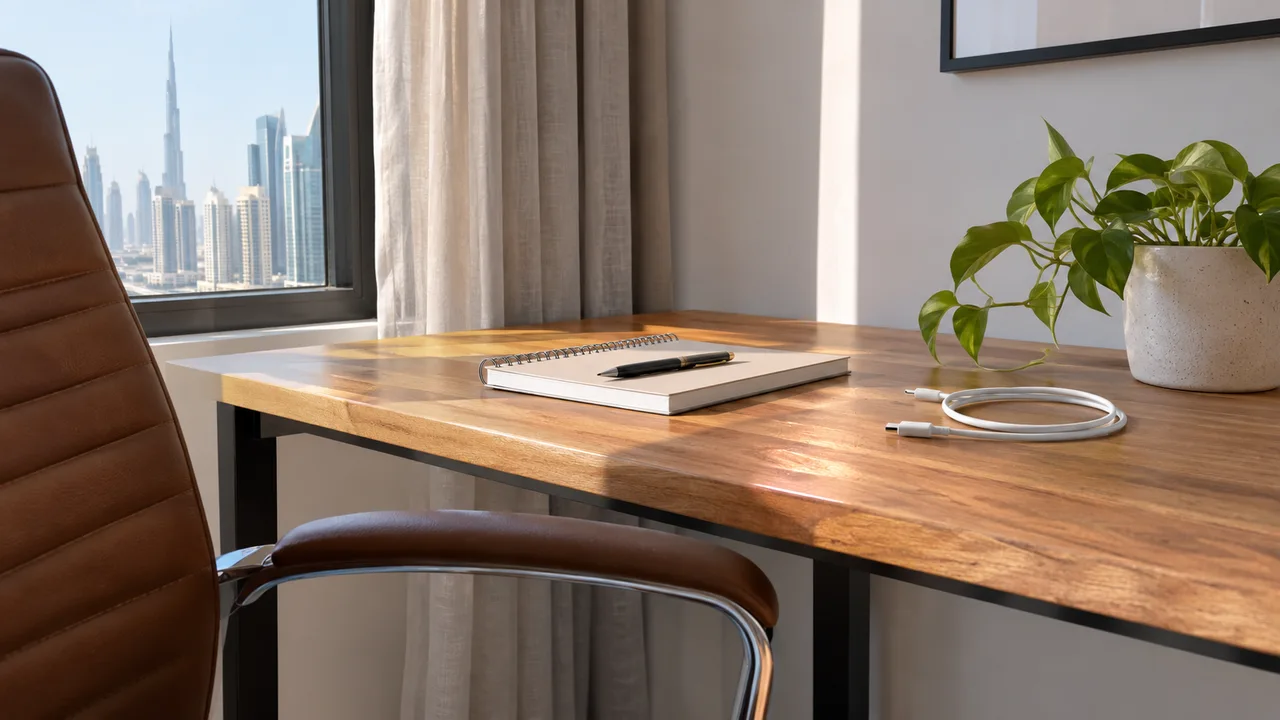
Check the Actual Workspace Inside the Apartment
Request current photographs and measurements of the workspace in the exact unit, not a similar apartment or a building’s shared lounge. Ask about:
- Surface and chair: dimensions, usable space for your devices, and what chair is actually provided. A dining table is not automatically a dedicated office.
- Sockets and light: their location relative to the usable surface, and the available lighting.
- Room separation: whether the space is separate from sleeping or shared areas if privacy is important.
Airbnb’s remote-worker hosting guidance supports asking about practical workspace features; it is not evidence that any EDEN apartment offers them. A photograph can show layout, but cannot confirm comfort over a full working day.

Ask About Noise, Interruptions, and Backup Work Options
A workable layout and connection may still leave questions about the surroundings. Give the host or booking provider your expected working hours and ask about known nearby construction, noise, planned maintenance and possible interruptions. Ask what support is available if something stops working, without treating a reply as a guarantee of silence or uninterrupted service.
If you would rely on a separate workspace as backup, verify its current opening hours, access conditions, cost and suitability yourself. Do not assume a nearby lounge or coworking venue is included in your booking.
Technical sources and practical guidance checked for this review on 17 November 2026. No exact-unit speed, desk, soundproofing or backup-access claim is made.
Compare Apartments Using This Wi-Fi and Workspace Checklist
Document the evidence and unknowns before choosing. The blank worksheet below is a planning tool, not a property inspection or a suitability score. Copy it once for each shortlisted unit. For a narrow screen, use the same fields as a vertical list.
| What to record | Evidence / answer / unknown |
|---|---|
| Exact apartment name and link | |
| Intended hours and simultaneous users | |
| Test date, time and room/location | |
| Device and testing method | |
| Download / upload / latency or unknown | |
| Surface dimensions and current photos | |
| Chair, sockets and lighting evidence | |
| Room separation / privacy needs | |
| Known noise, works and interruptions | |
| Support arrangements | |
| Backup location and access to verify | |
| Missing details / follow-up questions |
A Short Enquiry Template to Send Before Booking
Hello, I am interested in [exact apartment/link] for [dates] and expect to work during [Dubai local hours], with [number] simultaneous users/calls. Could you please share a recent Wi-Fi test for this unit, including the date, room, device/method and any download, upload and latency results available?
Could you also share current workspace photos and surface dimensions, showing the chair, sockets, lighting and any separate room? Are there known works, noise or interruptions during those hours, and what support is available if something goes wrong? Please identify anything not yet confirmed. Thank you!
Do not request passwords, building access codes or other guests’ information.
How to Choose the Right Apartment Based on the Evidence
Before making a decision, consider the following points:
- Credibility of information: check that the test and photographs refer to the exact unit, not another apartment or the building generally.
- Suitability of the workspace: compare the photos, measurements, chair, sockets and light with your daily needs.
- Unconfirmed information: list details that remain unclear and ask for clarification before booking.
- Working conditions: consider the answers about noise, interruptions and support, while recognising what remains uncertain.
- Alternative options: independently verify any other space you intend to use.
Conclusion
Working during a holiday calls for more than a Wi-Fi symbol. Request recent connection evidence and workspace photos, compare them with your intended hours and equipment, and clarify important unknowns. You can browse EDEN’S Dubai holiday homes and enquire about the exact unit before making a reservation. This guide does not promise that every listed apartment will suit your work needs.