
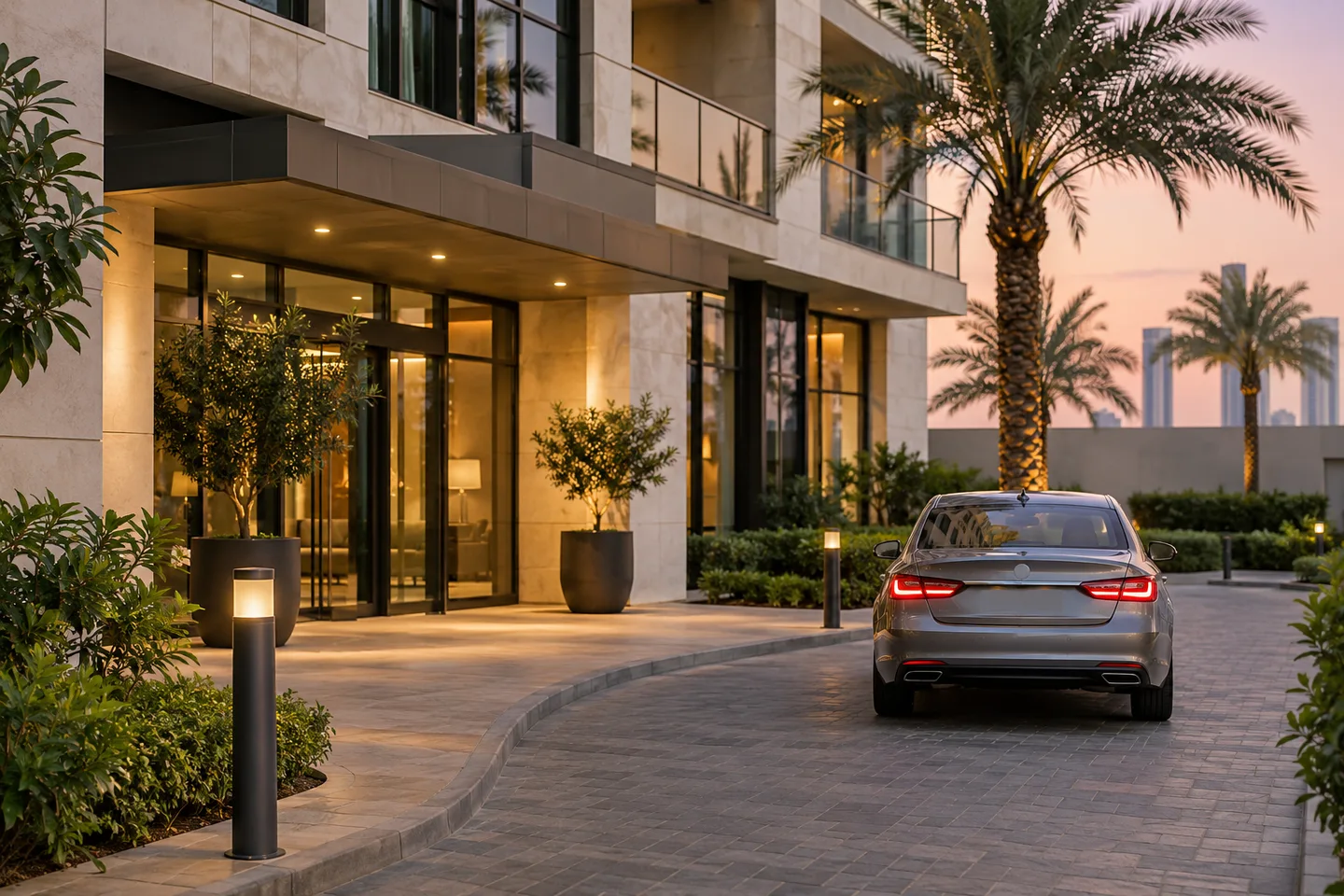
Bringing your own car or renting one while on holiday in Dubai offers flexibility, but it can influence your choice of apartment. Do not rely only on a listing’s mention of “parking available.” Ask which arrangement applies to your exact booking, how many cars are permitted, whether your vehicle fits and whether the cost is included. These checks help you compare options; they do not guarantee that a space is available or suitable.
Understand What Parking the Apartment Actually Offers
Start by distinguishing the arrangements below. None should be assumed from a general building description, a photo or a parking icon.
- Dedicated or assigned parking: ask whether a specific space is reserved for your booking and for which dates. A building having allocated spaces does not prove your apartment includes one.
- Shared or visitor parking: ask whether holiday guests may use it, whether registration or a permit is needed, and whether a space can be reserved. An empty bay is not proof you may park there.
- Valet parking: confirm who operates it, guest eligibility, operating arrangements and any separate charge. Do not assume an apartment booking includes a hotel’s valet service.
- Public paid parking: treat it as a separate option. Check current signs, permitted use, payment requirements and availability rather than assuming it is an included alternative.
Compare Parking Before Choosing Your Apartment
Use the five-column worksheet on the next page for each shortlisted unit. Enter the exact listing link and the date of the provider’s reply. Write “not confirmed” rather than leaving an important uncertainty looking like a yes. Property A and Property B are blank comparison labels, not EDEN inventory.
If you are considering FIVE Palm Jumeirah, compare private FIVE Palm apartments alongside the parking details for your chosen unit. An inclusion shown for one apartment does not establish the same arrangement for every other home.
Your Parking Comparison Worksheet
| Exact property / link | Space count / type | Vehicle suitability | Access / registration | Included / separate cost |
|---|---|---|---|---|
| Property A Reply date: | Not confirmed | Not confirmed | Not confirmed | Not confirmed |
| Property B Reply date: | Not confirmed | Not confirmed | Not confirmed | Not confirmed |
| Property C Reply date: | Not confirmed | Not confirmed | Not confirmed | Not confirmed |
On a phone, copy the five headings into a note and repeat them for each property. Record both the answer and any condition attached to it, such as a permitted vehicle type or a separate payment.
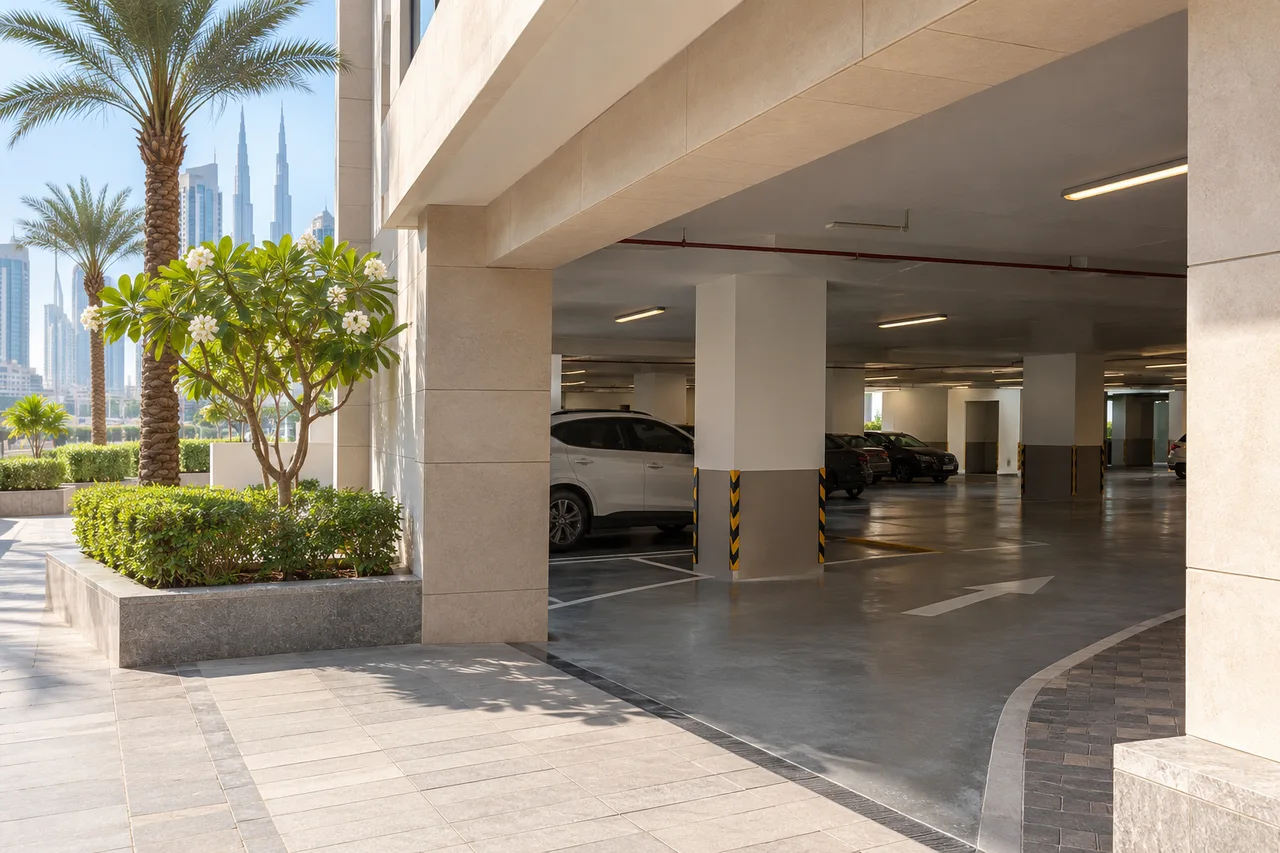
Check Whether the Space Fits Your Vehicle
Availability alone is not enough. Ask the provider to check the actual vehicle and access route, not just the apartment’s amenity list.
- Does the booking permit the number of cars your group intends to use?
- Are entrance height, width, ramp or turning restrictions relevant to your vehicle? Do roof boxes or other accessories change its dimensions?
- Is the usable bay suitable for the car, including room to enter and leave it? Ask for confirmation rather than guessing from a photograph.
- If you need EV charging, is an appropriate facility separately available and permitted for guests? Confirm compatibility, booking arrangements and charges; a parking space does not imply a charger.
For a rental car, share the actual make/model or confirmed dimensions once known. If the rental company may supply a different vehicle, tell the accommodation provider that suitability is not yet settled. Do not treat an example vehicle as a confirmed match.
Confirm Access and Registration Before Arrival
Once parking suitability is established, ask which vehicle entrance to use and how approved access works. Check whether registration is required, which information is necessary and when instructions will be supplied. Use the authorised booking channel for any required information. Keep access codes, cards, bay identifiers and personal documents private.
Consult your property’s guest guide only when the home name matches your booking confirmation. If it does not match or your home is missing, contact the reservation team before using another property’s instructions. A guidebook directory does not confirm that a parking space has been allocated to you.
What to Do If Parking Is Unavailable
If a barrier will not open or a confirmed bay is occupied, use the booking platform or verified contact supplied with your reservation. Explain the issue without posting access details publicly.
- Do not enter an unapproved bay or block another vehicle, gate or access route.
- Ask whether a permitted temporary alternative is available and suitable for your car.
- Before using an alternative, clarify its conditions, charges and who is responsible for payment. Do not assume reimbursement or a replacement space is guaranteed.
Confirm Checkout Instructions
Before departure, ask whether parking keys, fobs or remote controls must be returned, and confirm the approved location and deadline. Keep those details with your booking instructions. Do not leave an access item in an unattended place simply because another guest’s guide suggests it.
A Message You Can Copy Before Booking
Hello, I’m considering [exact property/link] for [dates] and expect to bring [number of cars and vehicle details, or rental model not yet confirmed]. Please confirm the parking type and permitted car count, whether the vehicle is suitable for the bay and access route, any registration required, and all included or separate parking costs. If relevant, please confirm EV charging separately. How and when will approved access instructions be provided, and what must be returned at checkout? Please identify anything that is not yet confirmed. Thank you.
Choose with the Parking Details Confirmed
Compare the written answers against your actual car and stay dates before paying. You can browse EDEN’S Dubai holiday homes and ask about the shortlisted unit. Keep any unresolved parking requirement visible in your comparison instead of treating it as an included service.